GPT Image 2
Character Background Integration
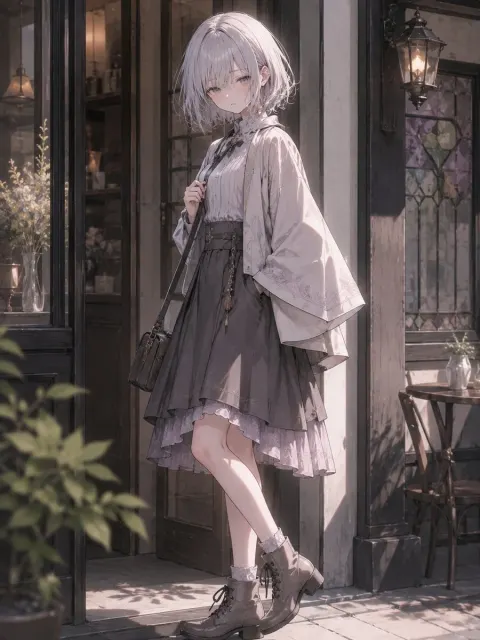
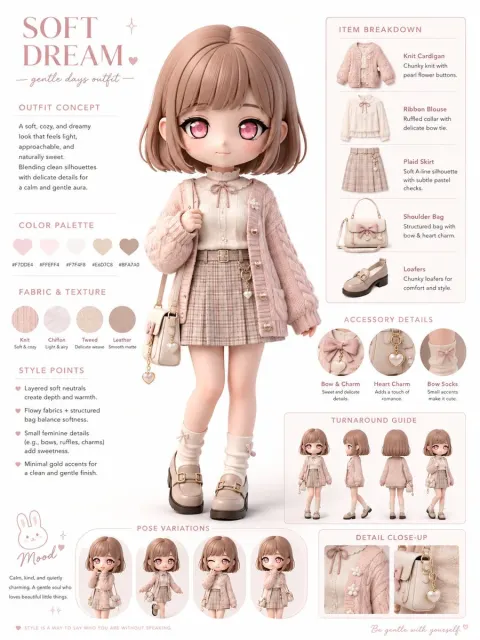
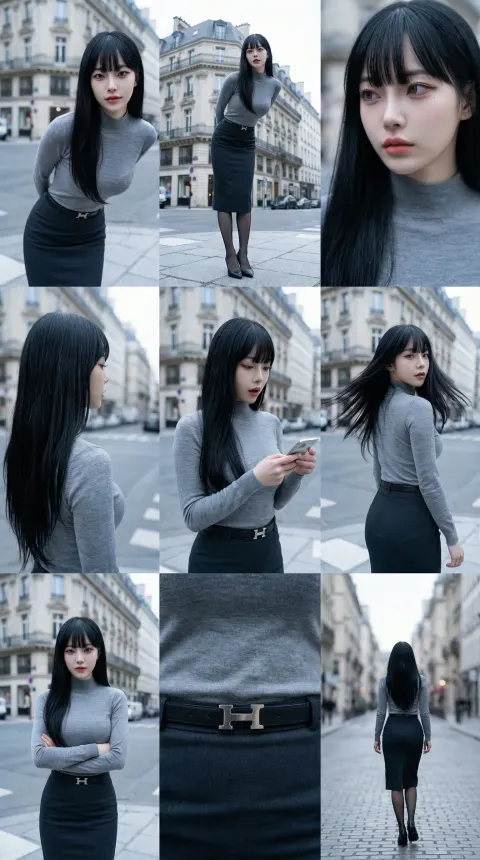
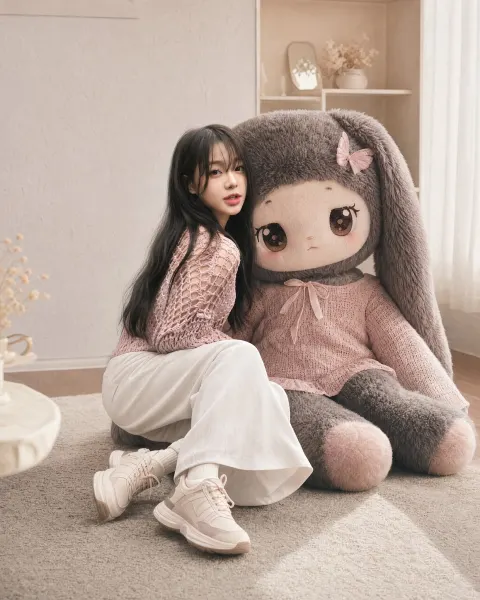
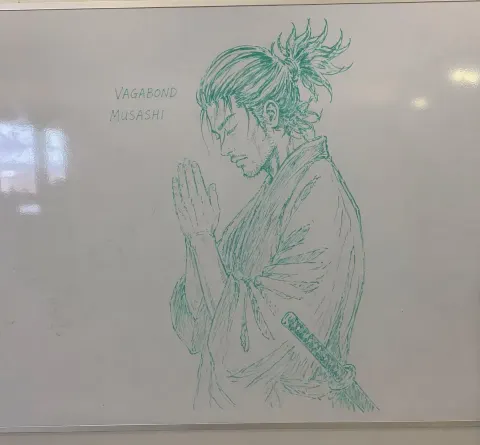
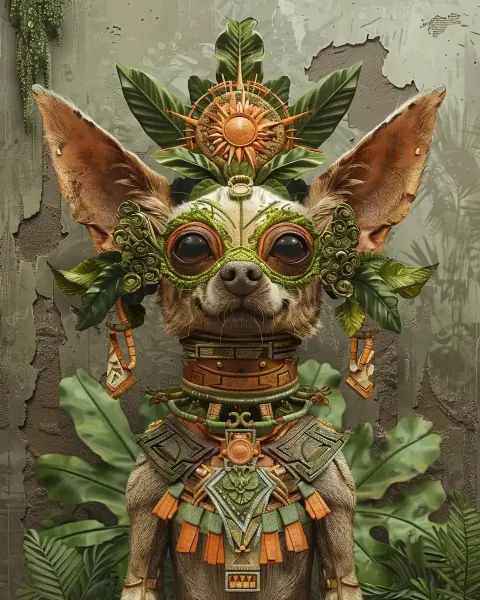
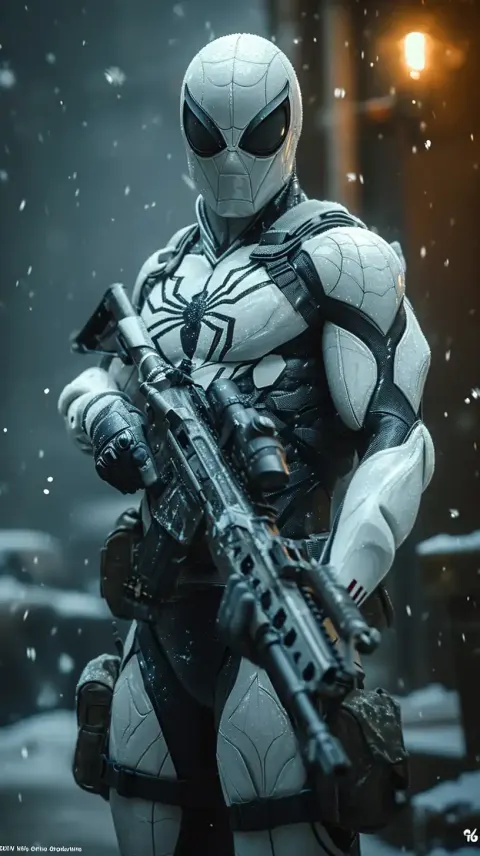
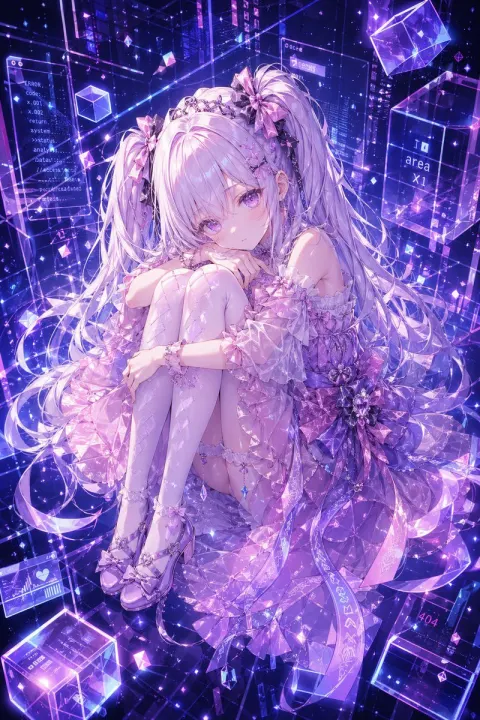
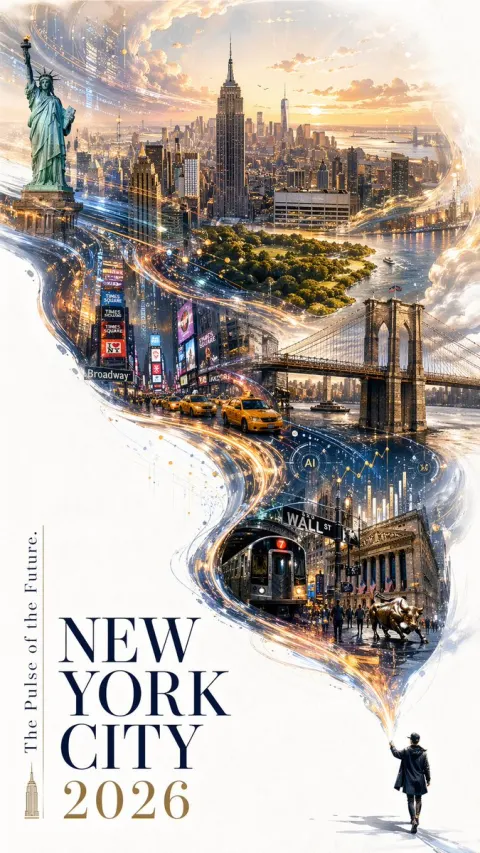
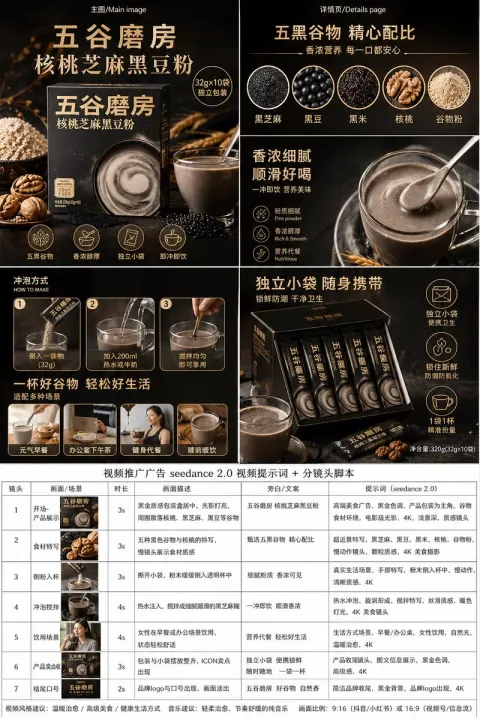
Use reference image 1 as the main background environment.
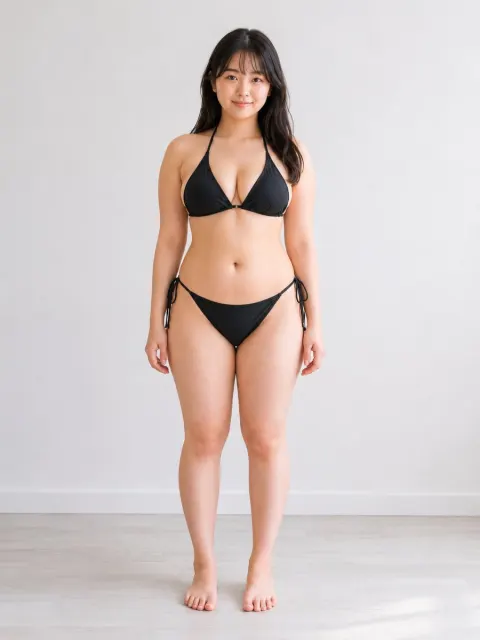
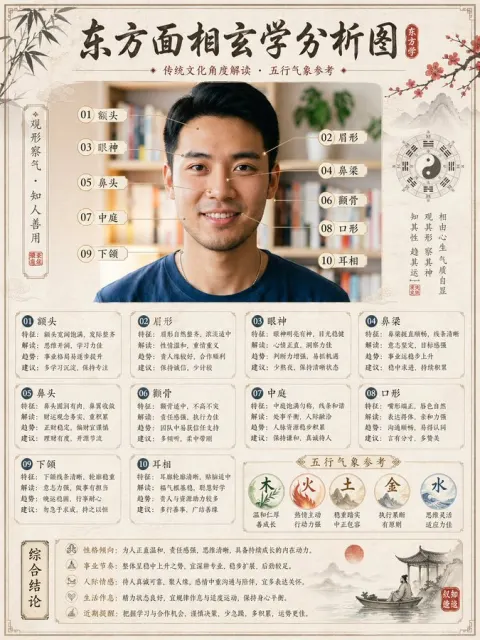
Use reference image 2 as the character design reference, including face, body balance, hairstyle, and overall impression.
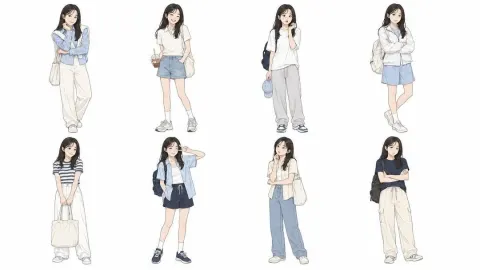
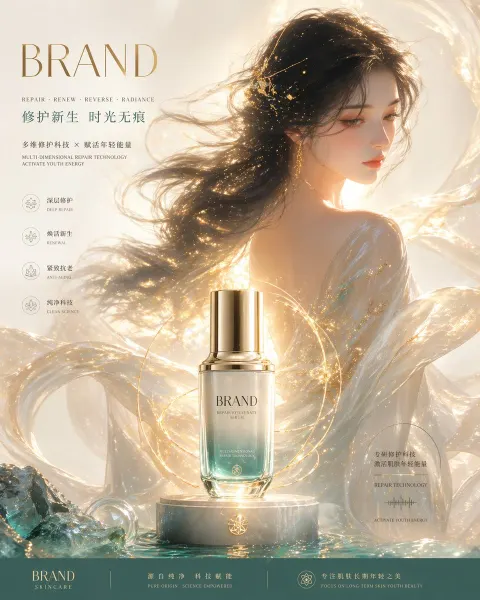
Use reference image 3 as the outfit design reference.
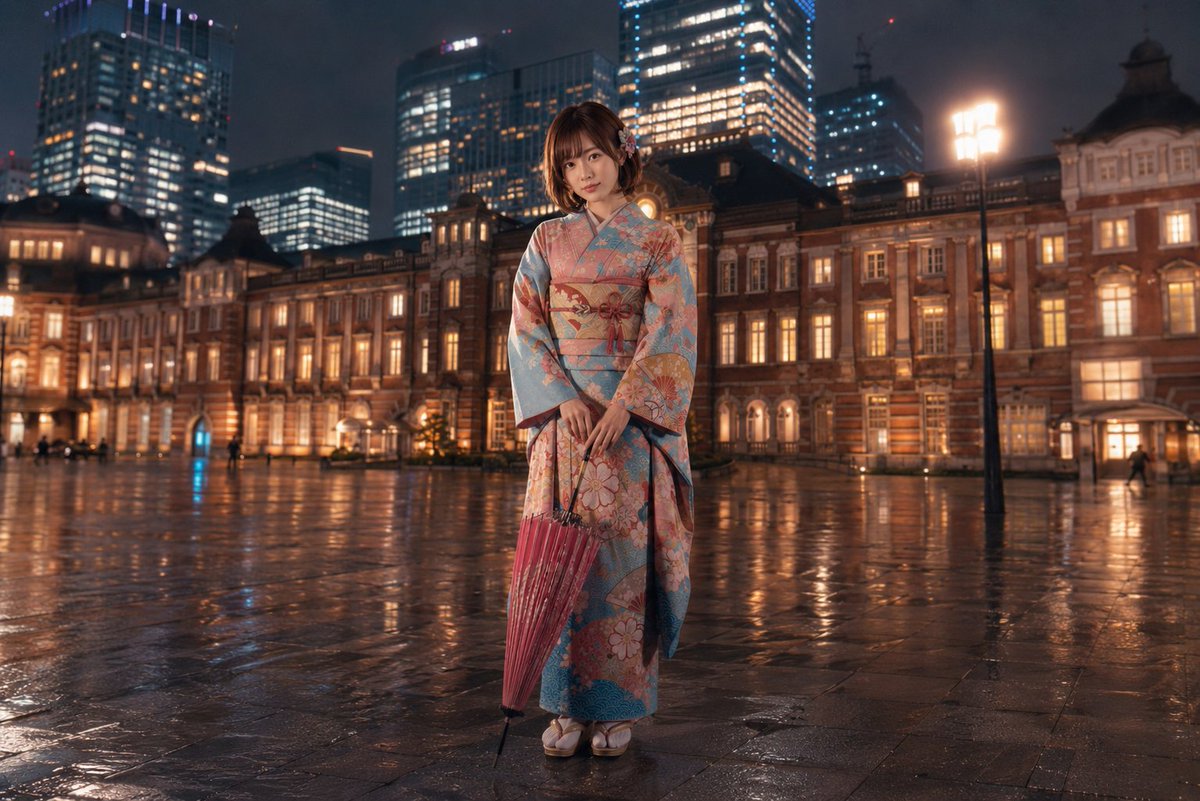
Create one full-body character standing upright in the scene.
Keep the character naturally integrated into the background, with matching perspective, lighting direction, shadow, color temperature, and atmosphere.
Do not change the character’s identity, body proportions, facial impression, or outfit structure.
The character should stand calmly and clearly, with a natural straight posture, both feet on the ground, and a stable body balance.
Make the result look like one unified finished image, not a collage.
High-quality, clean, detailed, polished image generation.
Avoid extra limbs, broken fingers, distorted hands, missing body parts, ghosting, duplicated faces, unnatural anatomy, messy clothing, and visual noise.