GPT Image
Ad Poster Design Masterclass
Title: You are a top art director and Japanese typographic designer. Please treat the following as a "production step," starting from STEP 1 and accumulating sequentially to complete a photo with a high aspect ratio ...

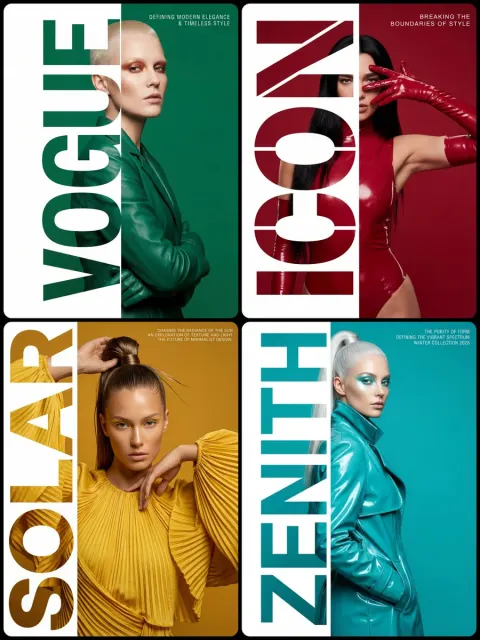
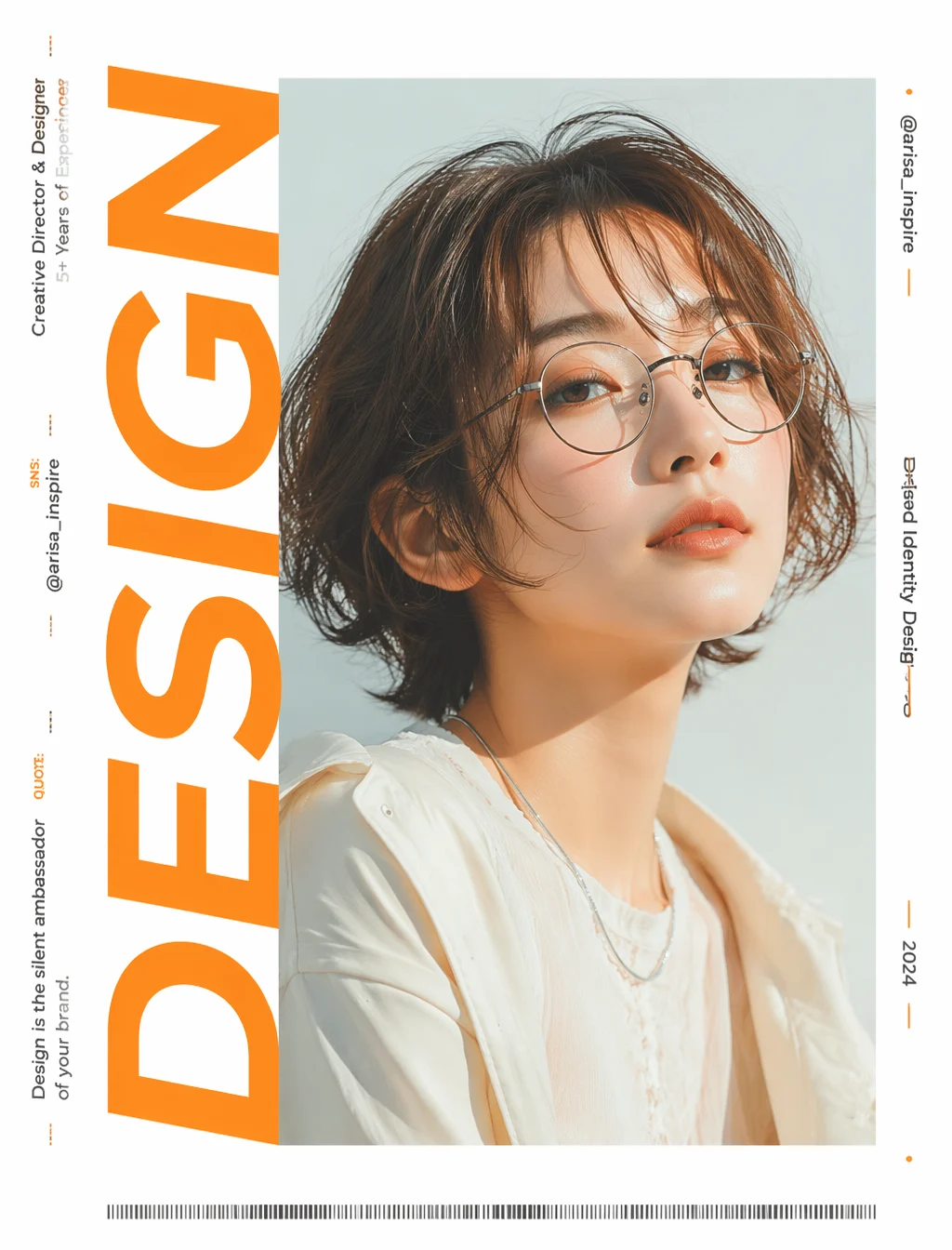
Prompt: You are a top art director and Japanese typographic designer. Please treat the following as your "production steps," starting from STEP 1 and cumulatively to complete a real-life edited advertisement poster with a 4:5 aspect ratio. Each step should be stacked based on the results of the previous one.

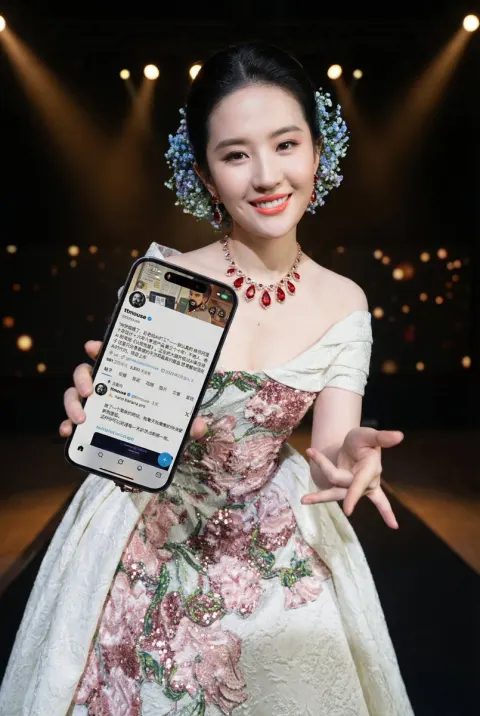
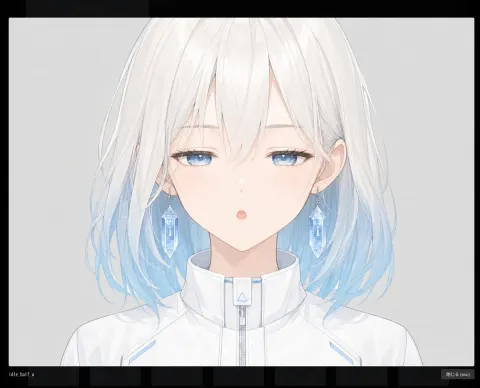
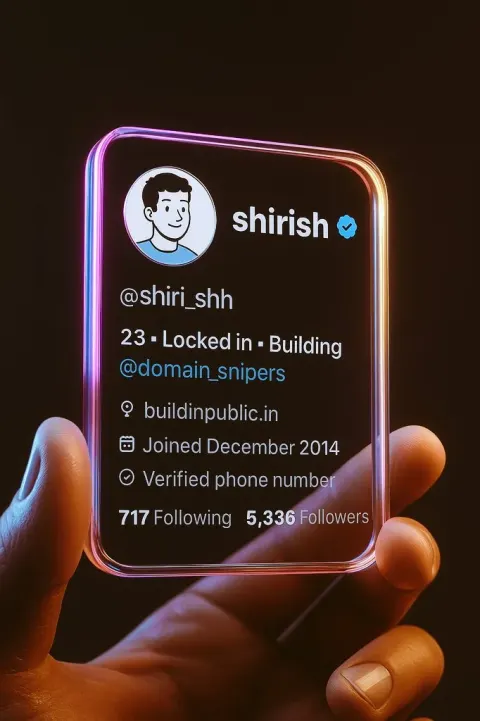
[Attachment] Image 1 = SNS profile screenshot, Image 2 = personal photo or profile picture

━ STEP 1 | Choose a word for the title ━
・Read the title, self-introduction, and field in the screenshot, and select an English word that symbolizes this person (e.g., design-related →DESIGN). Do not use a name. This word will be the main character.

━ STEP 2 | On a pure white background, rotate the word counterclockwise 90 degrees and place it horizontally on the left side ━
・The background is pure white
・Rotate the selected word 90 degrees counterclockwise to invert it horizontally (the text is tilted horizontally)
・This huge horizontal inverted text is arranged starting from the left side of the image, occupying the height of the screen in an extra-large size

━ STEP 3 | Create a "Text + Block" clipping mask ━
・Do not use photos at this step for now. Only make masks (templates for cutting)
・Add a square block with the same vertical width as the large horizontal inverted text created in STEP 2.
Overlap this square block with the end of the large horizontal inverted text and extend the horizontal width of the block to the edge of the image.
But do not change the text size created in STEP 2; only extend the horizontal width of the square blocks to the maximum.
・After "merging" these two graphics, create a clipping mask.

━ STEP 4 | Place the character image across the entire frame and cut it using the mask from STEP 3 ━
・Enlarge and crop the attached character images so that the face occupies most of the frame and is arranged throughout the frame
・Cut the photo using the mask shape created in STEP 3 (cut). The photo is only visible inside the mask, filled with an uninterrupted photo inside

━ STEP 5 | Configure the small text in the remaining space ━
・On the image completed in STEP 4, translate the information read from the screenshot into English and configure it
・In STEP 4, create solid white areas on both sides of the image to configure the information read from the screenshot.
・Small text can also be rotated counterclockwise 90 degrees (horizontally inverted), flowing linearly vertically along the margin (do not place horizontally)
・Left: TITLE=Personal Name/Character/Experience/Social Media, brief quote and lead / Right: @用户名/Project Name/Nishi Years
・Avoid excessive accumulation and pay attention to balanced arrangements

━ STEP 6 | Add closing elements ━
・Add a fine barcode-style graphic at the bottom level. Use minimal decorative touches or lines to adjust the blank space

[Texture Common to All STEPS]
・The attached portrait or profile picture is treated as a "source of inspiration for the character's image." Do not directly copy or reproduce the face; instead, inherit features such as the atmosphere, hairstyle, hair color, glasses or accessories, clothing style, and softness of expression
・If the attachment is an illustration or character avatar, it also reads features such as color usage, hairstyle, glasses, and atmosphere, and converts it into a real-life model reflecting these features
・Avoid excessive AI looks, creating natural expressions, skin, hair, poses, and clothing textures reminiscent of real commercial shoots
・Uses bright, high-profile, and transparent lighting (not allowed in dim rooms or dull gray)
・The color scheme was redesigned into an advertising style based on the screenshot source, setting a focal color that catches the eye
・Avoid ordinary business attire; adopt unique looks that match the worldview
・4:5 aspect ratio, high resolution, stylish advertising quality