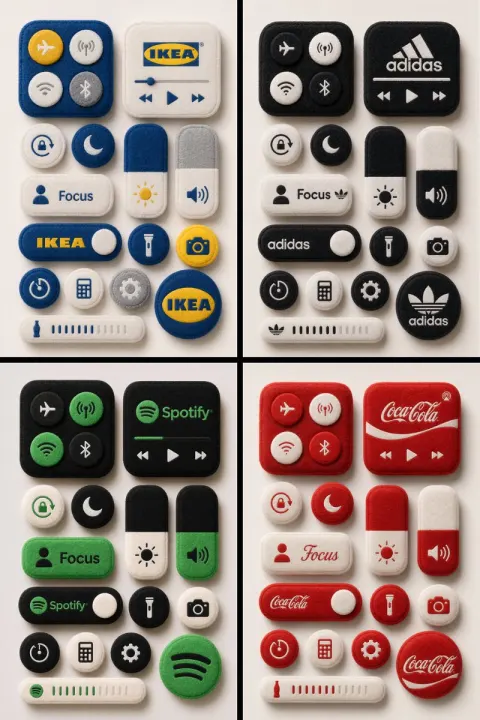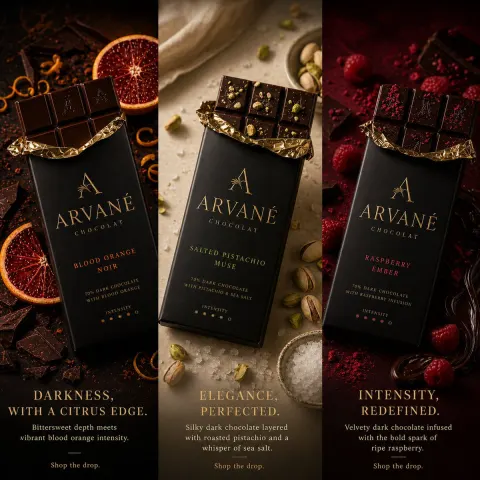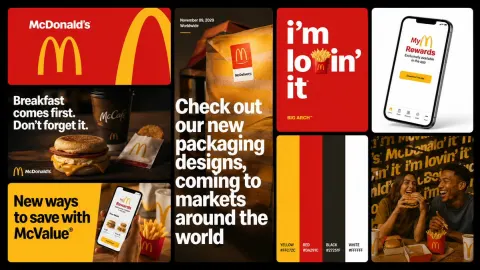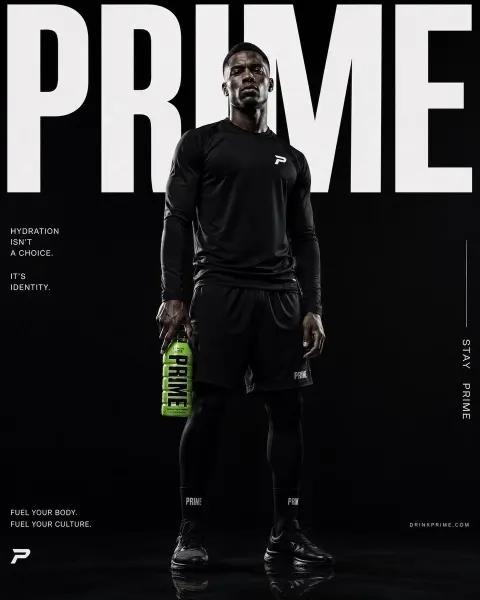
GPT Image
Enterprise Brand Brochure Visual System
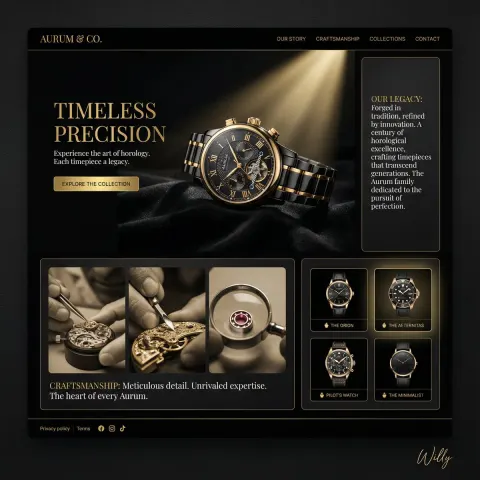
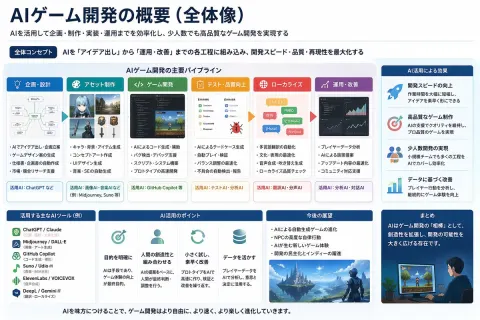
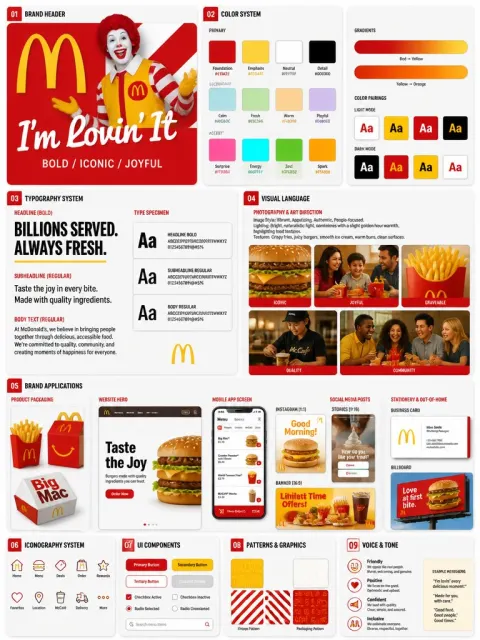
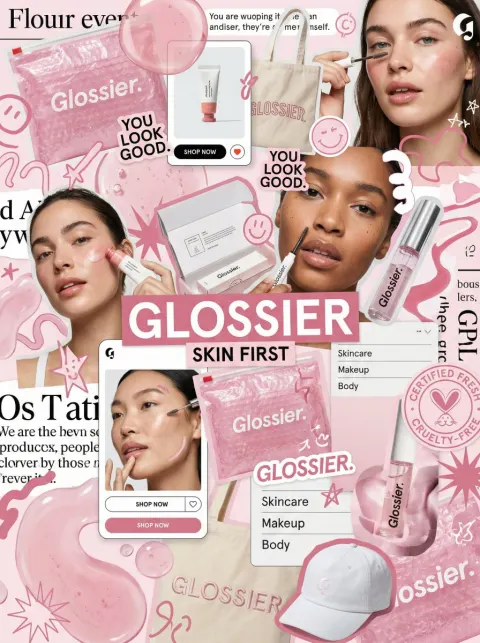
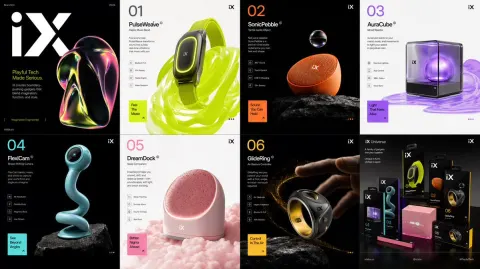
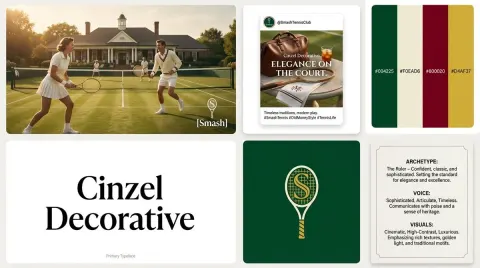
Please generate an enterprise grade commercial brochure visual concept, on the theme of a promotional brochure for [brand name] covering its [industry / product / solution].

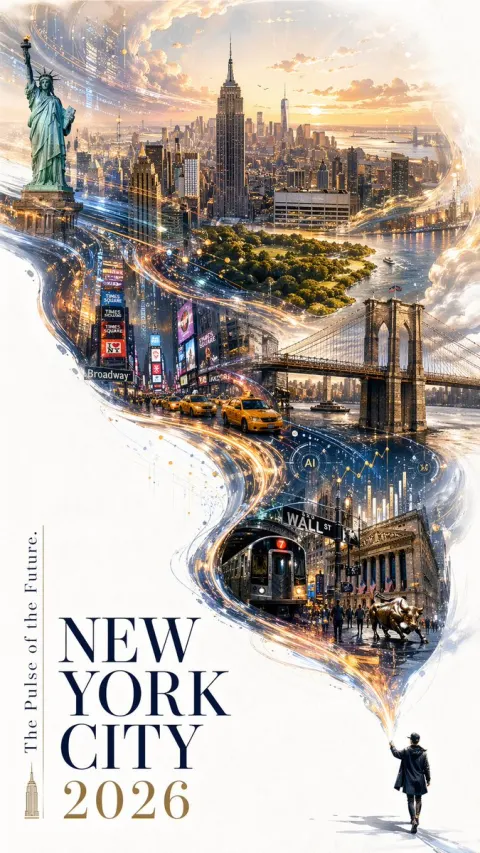
Overall style: premium, professional, with strong visual impact; avoid the feel of traditional Word layout or an ordinary PowerPoint deck. Use a [dark tech aesthetic / white minimal business / premium industrial / artistic brand brochure] style.

The brochure contains:
1. Front and back covers
2. Company introduction and brand philosophy
3. Core products and technical advantages
4. Application scenarios and solutions
5. Client cases and ways to work together
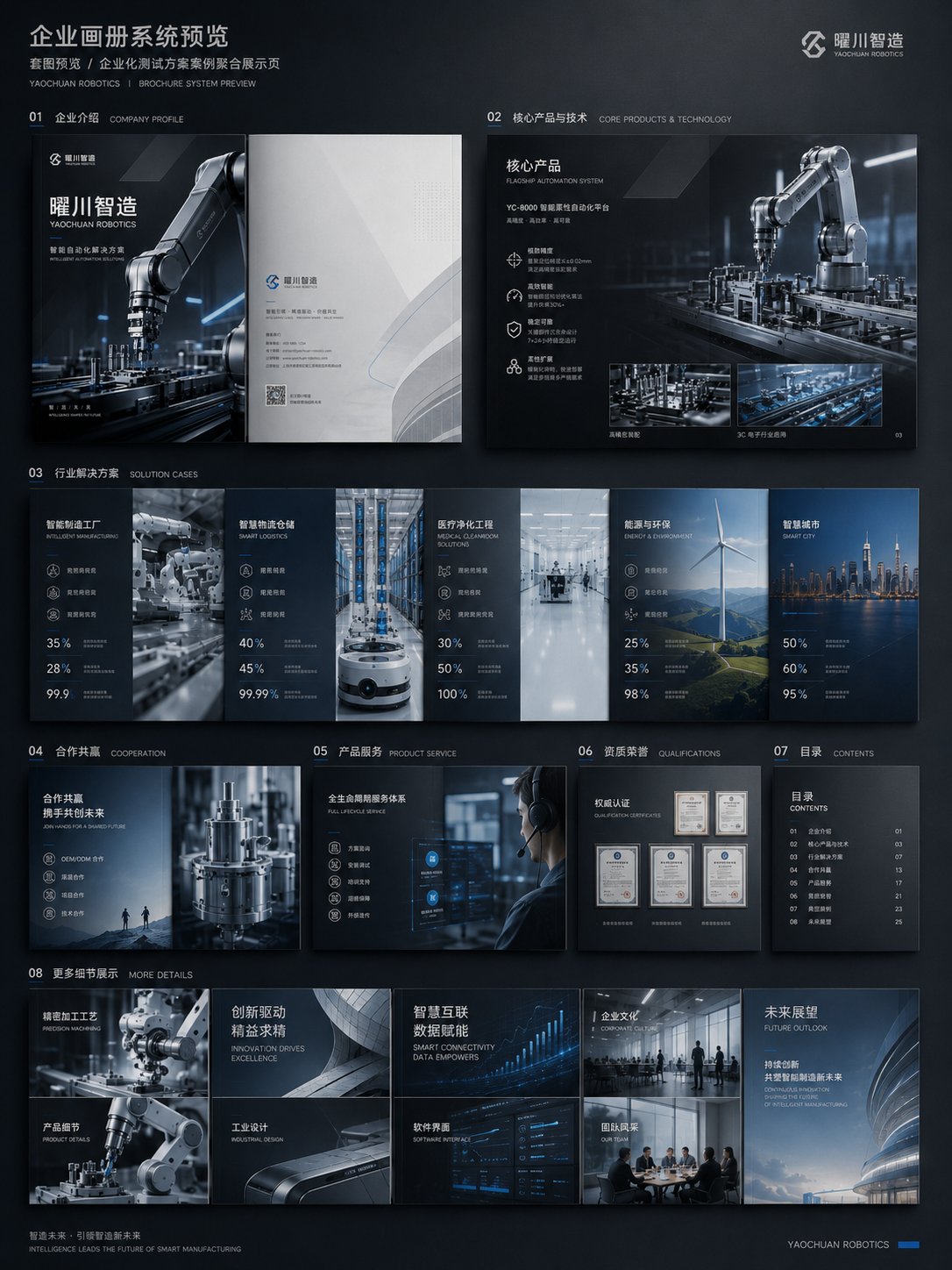
6. A full brochure system preview

Requirements:
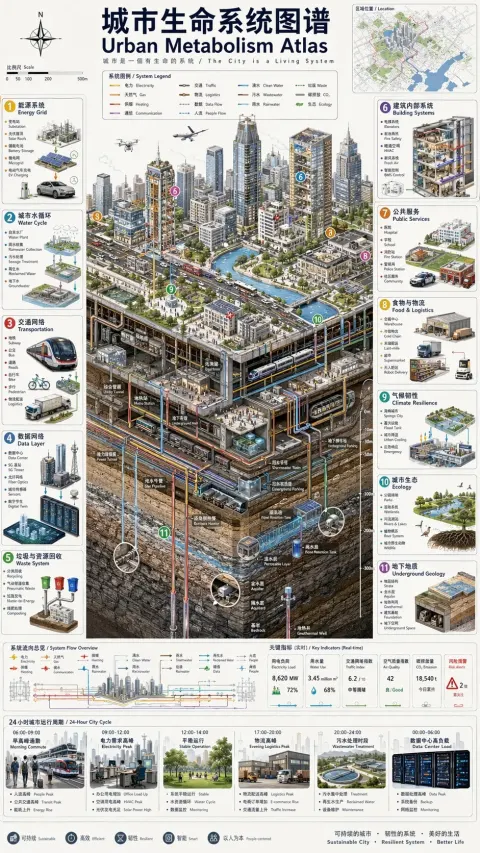
The layout must have a sense of design, with clear relationships between images, headings, data, icons, white space and hierarchy; keep a unified brand visual system across the whole brochure; above all convey the finish of real commercial materials and avoid simple text layout.

Structure plan:
1. Cover / back cover: establish the brand's face, the character of the industry and the overall visual tone.
2. Company introduction page: explain the company's positioning, the scope of its capabilities and who it serves.
3. Product and technology page: show the core products, technical advantages and solutions.
4. Application scenario page: let users see which industries the product can be used in.
5. Case / partnership page: add credibility and commercial conversion information.
6. Full brochure preview: verify the consistency of the style and the systematic feel of the whole book.

If company materials already exist, you can upload an old company brochure, a company introduction document, product manuals, website content, a PowerPoint proposal, product images or case images, and let ChatGPT do three things:
1. Reorganize the content structure and decide which content suits the cover, the company introduction, the product pages, the case pages and the partnership pages.
2. Extract the main thread of the brochure, avoiding a simple pile of material and instead forming a clear commercial narrative.
3. Unify the visual direction, so the whole brochure looks like a single brand system rather than a collage of different pages.

Pitfalls to avoid:
1. Avoid starting with nothing more than "generate a brochure", or it will easily turn into template images.
2. Avoid piling up text only; a brochure must have product visuals, scene images, data modules and design hierarchy.
3. Avoid generating only a single page; it is better to add a full brochure preview so the complete systematic feel comes through.