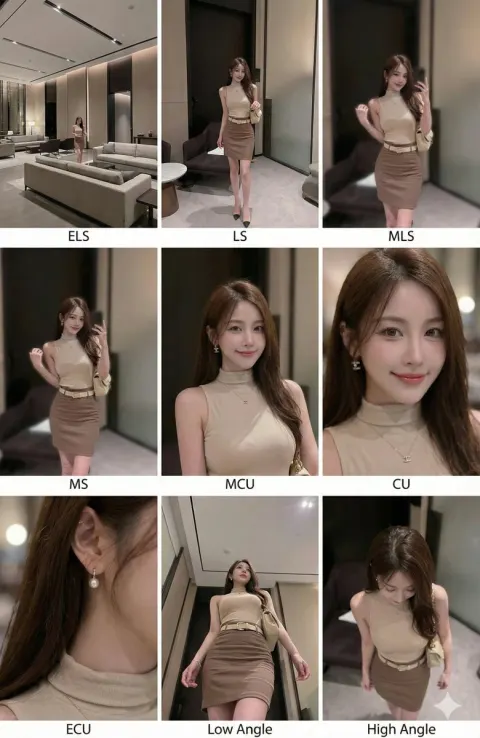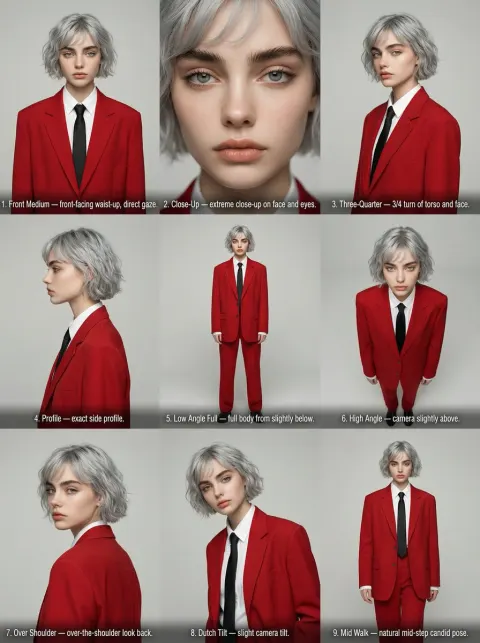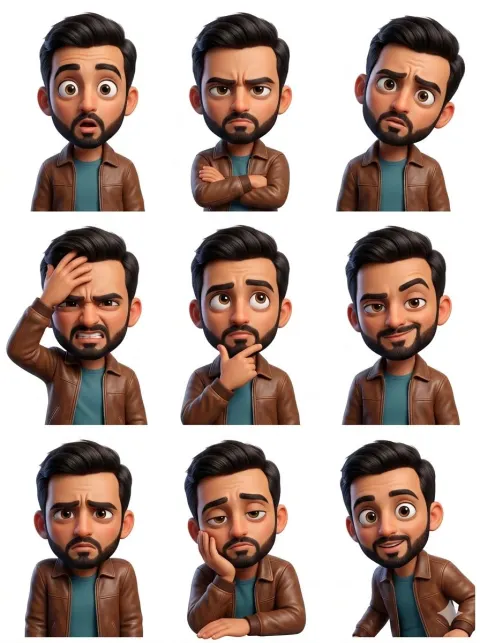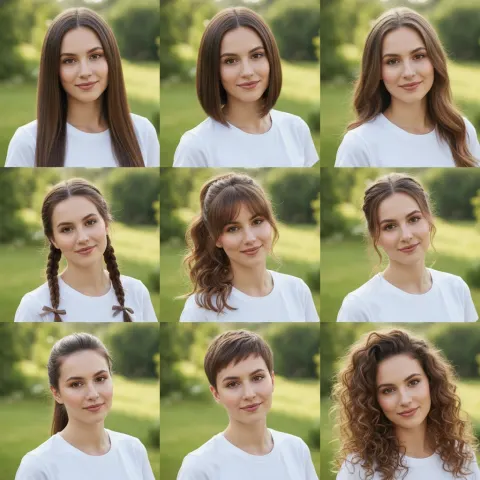
Nano Banana
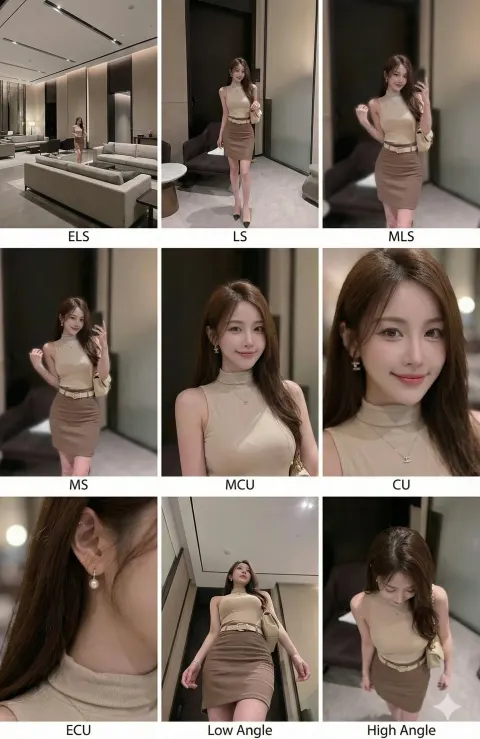
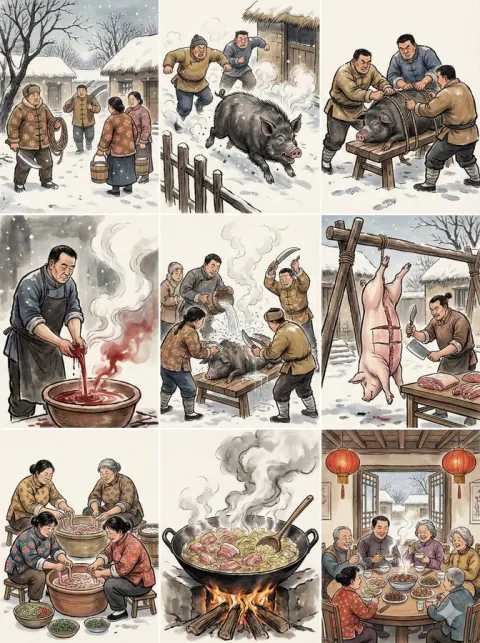
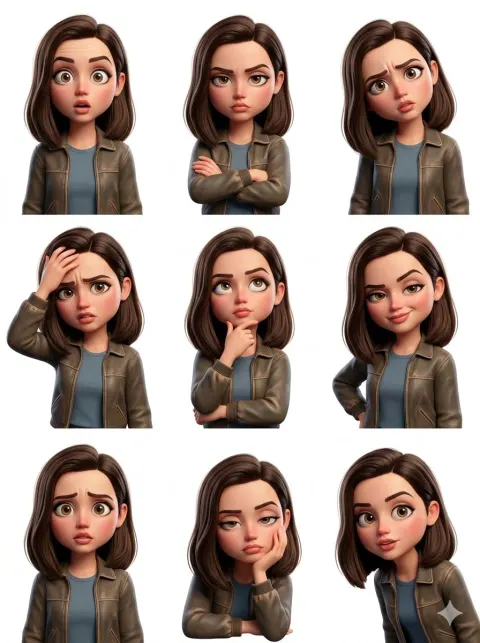
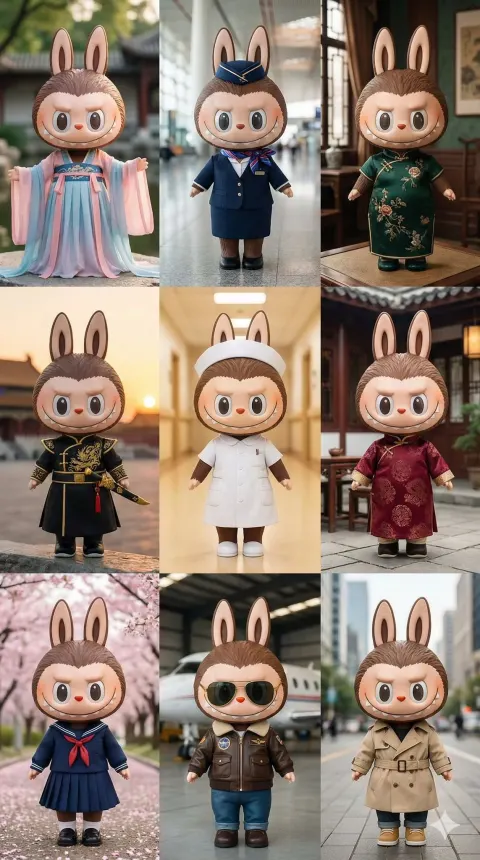
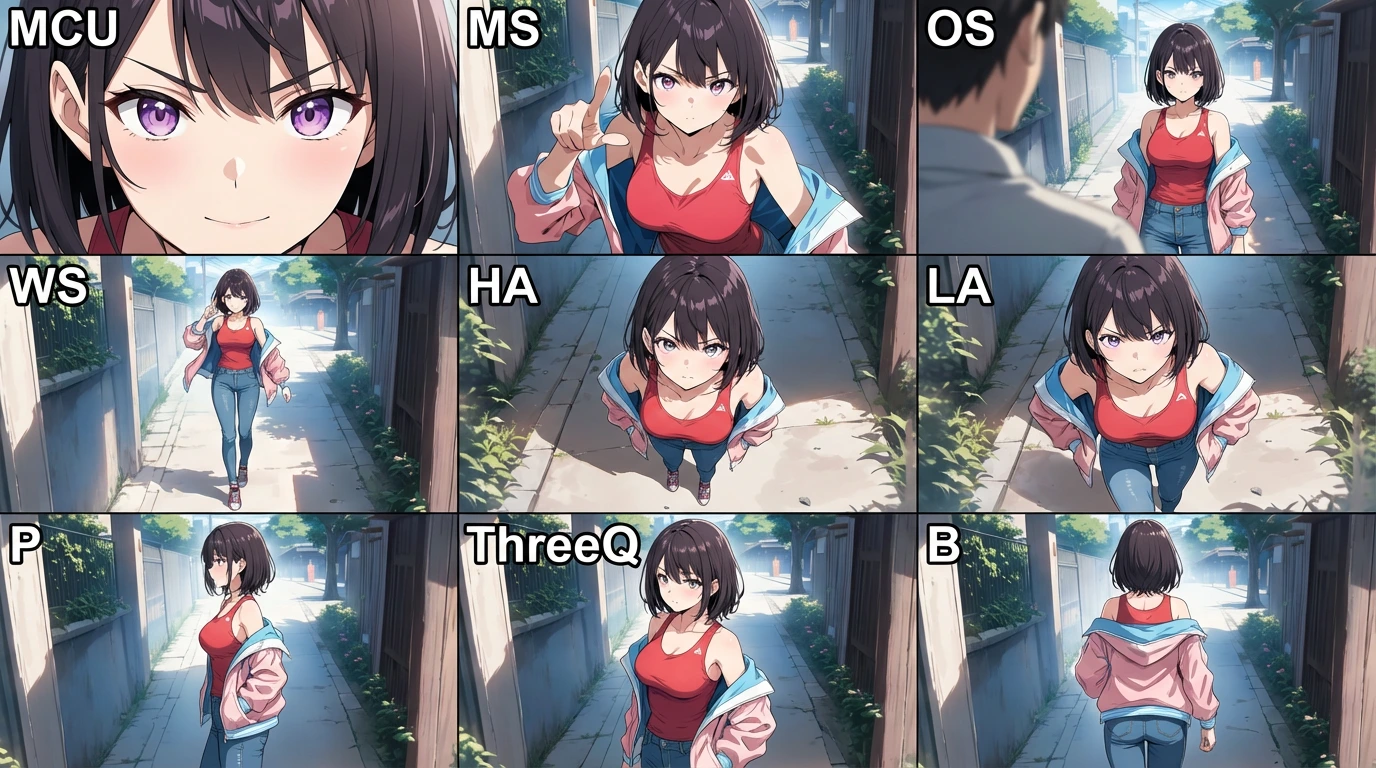
3*3 grid collage of Multi-shot anime character
Step 1 — Analysis

First, analyze the input image thoroughly.
Identify and understand:

the subject’s identity and defining features

lighting conditions (including prism effects, direction, intensity)

skin texture and complexion

emotion and expression

the overall color palette and style

Step 2 — Inference

If the input image is a close-up portrait:

logically infer the subject’s outfit, body shape, and the likely environment

the inference must match the face style so the character feels coherent

all 9 panels must depict the exact same character, with strict consistency in design, lighting, and mood

Step 3 — Execution

You will generate a 3×3 grid, where each panel follows a specific camera angle definition listed below.

2. Camera Angle Specifications

Each abbreviation refers to a required camera setup:

MCU — Macro Close-Up
Extreme facial detail. Focus on eyes, textures. Crop out the top of the head and the chin.

MS — Medium Shot
Chest or waist up. Standard cinematic portrait framing.

OS — Over the Shoulder
Camera positioned behind a soft, vague foreground shoulder or element, looking at the subject.

WS — Wide Shot
Full-body shot. Clearly show posture, outfit, and relationship to the environment.

HA — High Angle
Camera above the subject, looking downward. Creates a sense of vulnerability or reduced scale.

LA — Low Angle
Camera below the subject, looking upward. Emphasizes power, scale, or dominance.

P — Profile
Exactly 90° side view. The subject faces fully left or fully right.

ThreeQ — 3/4 View
A 45° angle between profile and frontal view. Classic portrait orientation.

B — Back View
Camera directly behind the subject, showing the back of the head or body.

3. Output Format Requirements

Grid Layout: 3×3

Aspect Ratio: 16:9 for the entire collage

Labeling:
Each panel must include its abbreviation (e.g., “MCU”, “WS”, “LA”) written in white text in the top-left corner.

Grid Order (Left → Right)

Row 1:

1.MCU
2.MS
3.OS

Row 2:
4. WS
5. HA
6. LA

Row 3:
7. P
8. ThreeQ
9. B